Webflow development.
Visual, fast, and easy to hand off.
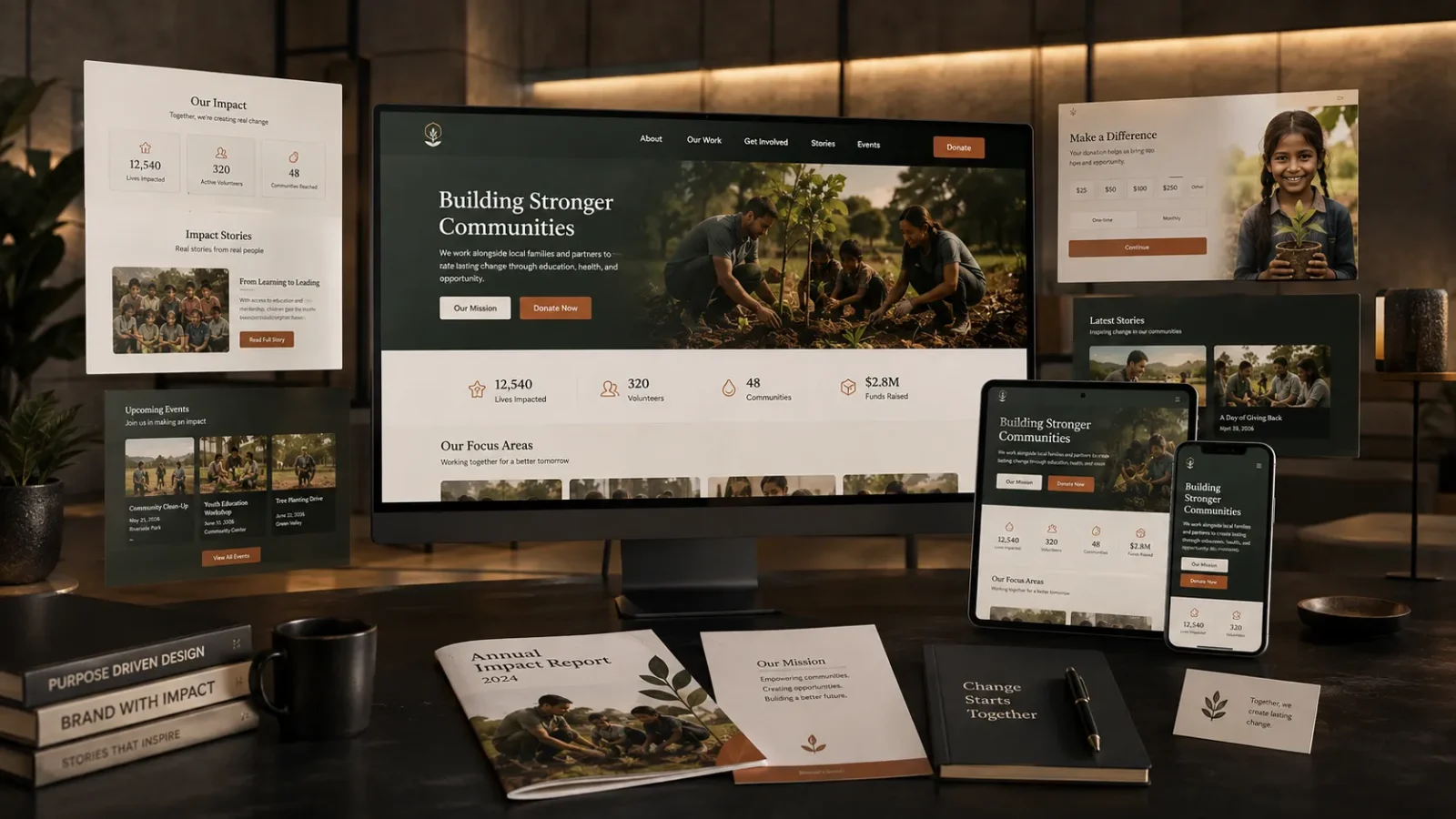
Pixel-accurate builds in Webflow’s visual canvas, with a CMS structure your team can update without touching code.
Webflow development means building your site directly in Webflow’s visual canvas, not handing a WordPress theme to a developer or exporting a design file and hoping it survives the build. Every element, every breakpoint, every CMS collection is built and reviewed live in the same tool your team will use to edit it later, so what you approve in a review call is exactly what launches, not an approximation of it.
That matters most in the CMS. Webflow’s collections let us structure your programs, staff bios, case studies, or event listings as real, filterable, reusable content types, not a page-builder plugin bolted onto WordPress or a stack of static pages that need a developer every time something changes. Add a new program, and it appears everywhere it’s referenced automatically, a structural difference from a WordPress development build, not just a different tool doing the same job.
We build in Webflow instead of WordPress when a site doesn’t need a plugin ecosystem or a database of custom logic, when what it needs is speed, visual precision, and a CMS a non-technical staff member can actually maintain. WordPress is still the right call for sites that need heavier customization or an existing plugin-dependent workflow; Webflow is the right call when hosting speed, hand-off simplicity, and pixel-accurate design matter more.
This is also a distinct service from general website design, from landing pages, and from UX design, even though all four often work together. Website design and UX design happen before a single Webflow element exists, they’re the research, wireframes, and visual system a build gets built from. Landing pages are single, focused pages built fast for one campaign. Webflow development is the platform work itself, the actual build, the CMS structure, the native hosting setup, delivered ready for your team to run day to day.
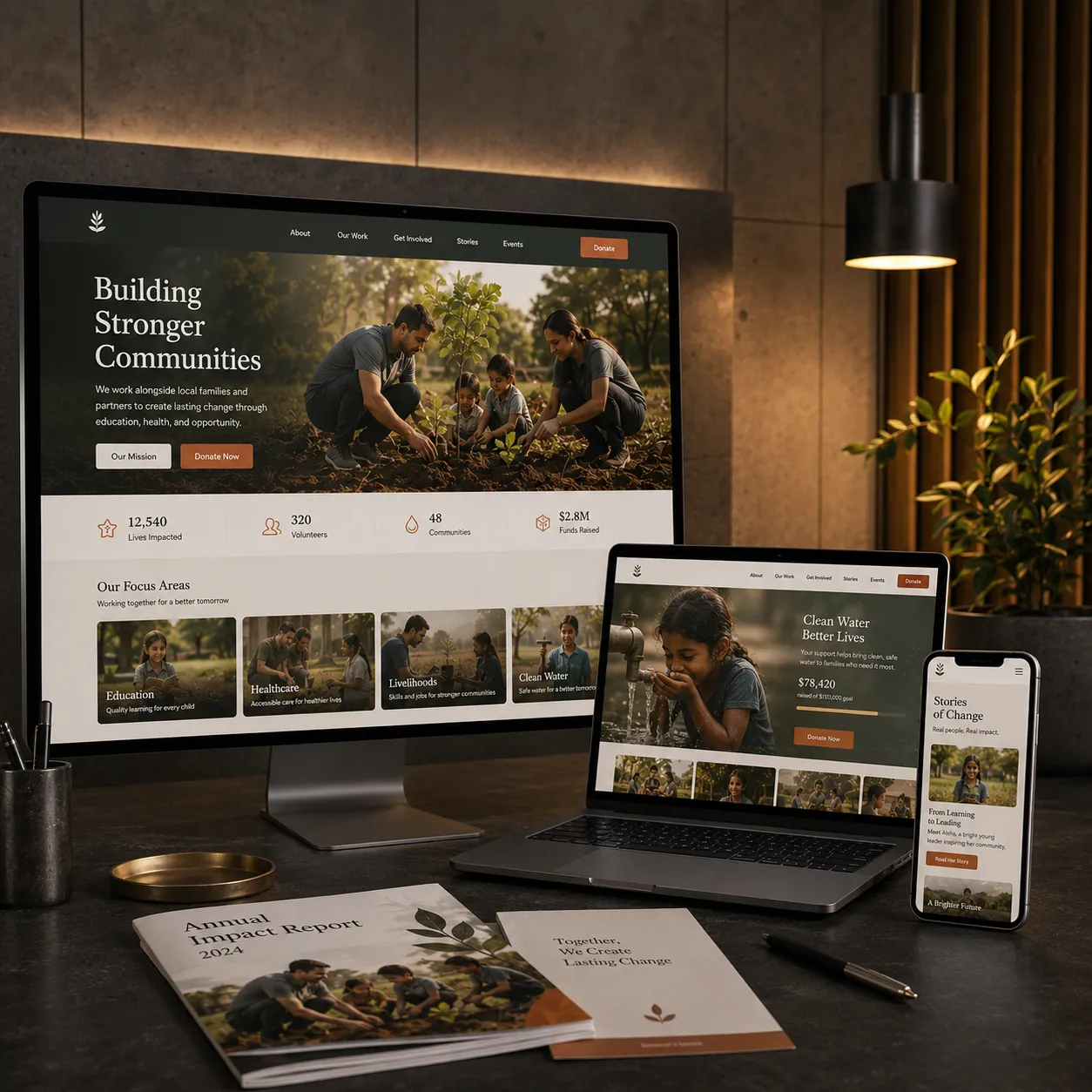
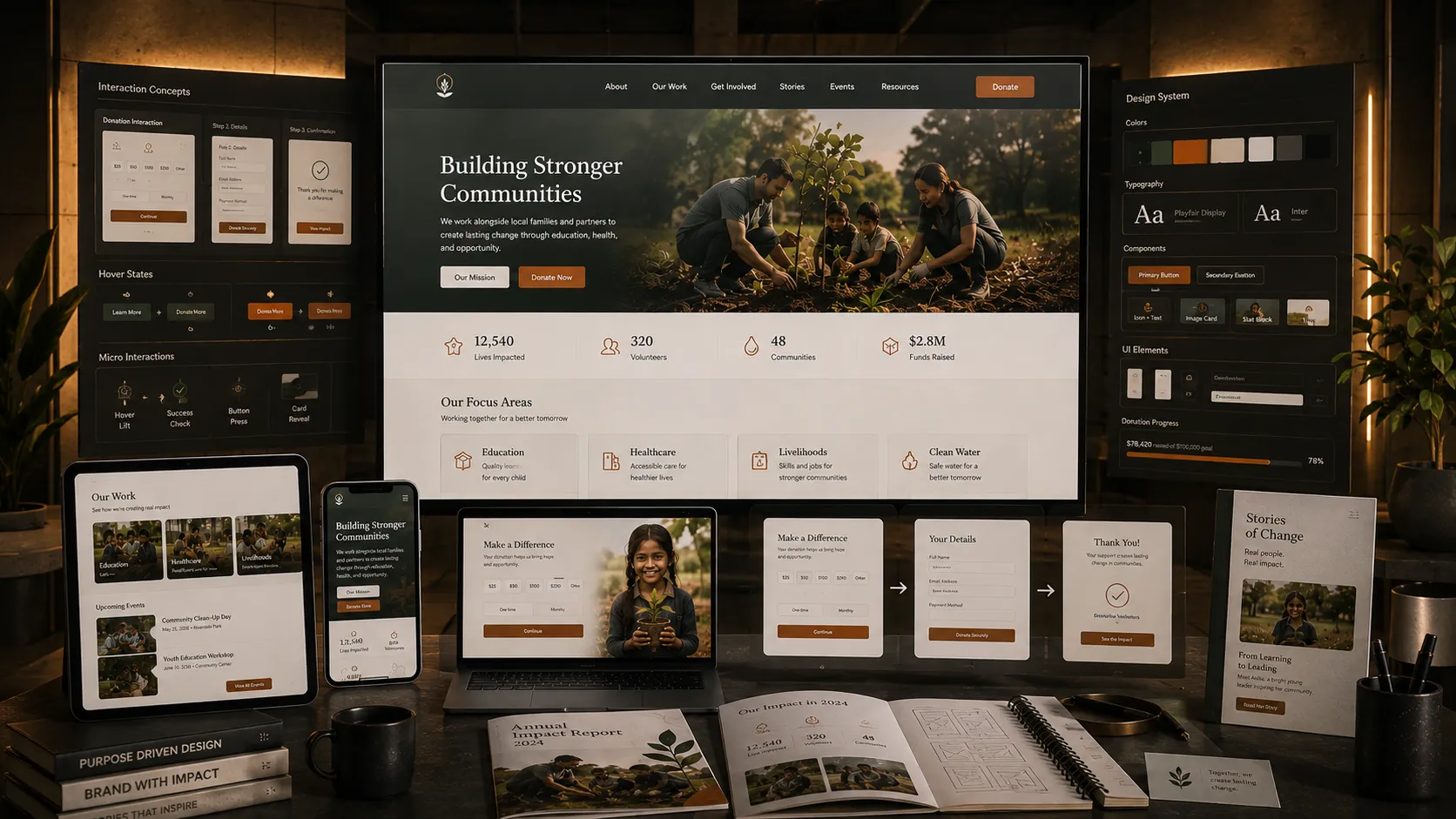
Performance comes largely built in: Webflow’s hosting and global CDN mean a well-built site loads fast without a caching plugin stack to maintain, and accessibility gets checked against WCAG basics before launch rather than left as a someday fix. And because Webflow’s editor is visual, handoff includes real training so a communications coordinator or program director can update copy, swap images, or add a page without a support ticket. For a nonprofit specifically, that also means donation forms, volunteer sign-up flows, and event registrations built as native Webflow forms with proper validation and confirmation states, not a third-party embed that clashes visually with the rest of the site.
Three steps, start to finish.
What we see organizations get wrong.
Handed off with real editor training, not a build only the original developer can safely touch.
Questions about webflow development.
How long does Webflow development usually take?
Most Webflow development engagements run 4–8 weeks depending on scope and how many CMS collections need structuring, though a narrowly defined project can move faster. We’ll give you a specific timeline once we understand what you’re starting from and how many stakeholders need to review along the way.
What do we need ready before Webflow development starts?
Not much, access to existing brand assets, current site login if you’re migrating, and one call to align on the CMS structure and goals is usually enough for us to start. If you don’t have those materials organized yet, we can help pull them together as the first step.
Can Webflow development be bundled with other services?
Yes, Webflow development is often paired with website design or UX design work upstream, and many clients add an ongoing retainer once the build launches so the site doesn’t go stale. We’ll flag what makes sense for your goals rather than upselling everything by default.
Who does the Webflow development work?
A small, consistent team, not a rotating cast of freelancers. You’ll know who’s building your site in Webflow from kickoff through delivery, and that same team handles revisions and training rather than handing you off to someone unfamiliar with the build.
How is this different from WordPress development?
WordPress is the right call when a site needs deep plugin customization or an existing WordPress-dependent workflow. Webflow is the right call when speed, pixel-accurate design, and a CMS your non-technical staff can maintain matter more than plugin flexibility. We’ll tell you honestly which platform fits your actual content and team, not build in whichever one we prefer by default.
Is this the same as website design or landing pages?
No. Website design and UX design happen before a single Webflow element exists, they’re the research and visual system a build is built from. Landing pages are single, fast pages built for one campaign. Webflow development is the platform build itself, the CMS structure, the native hosting, the responsive breakpoints, ready for your team to run.
What if we’re not sure this is the right service?
Tell us your goal, current platform, and budget and we’ll say plainly whether Webflow development is the right starting point, or recommend something else in our services that fits better. We’d rather scope the right engagement than sell you the wrong one.